PROPELLER

MAP, MEASURE, AND MANAGE YOUR WORKSITE & ASSETS

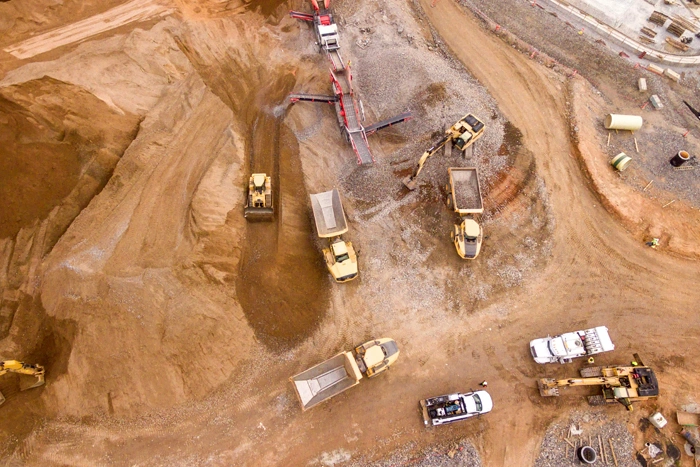
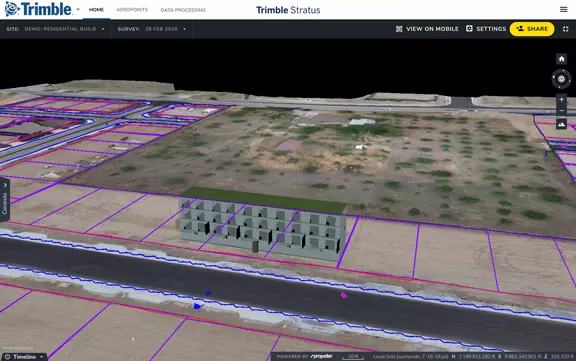
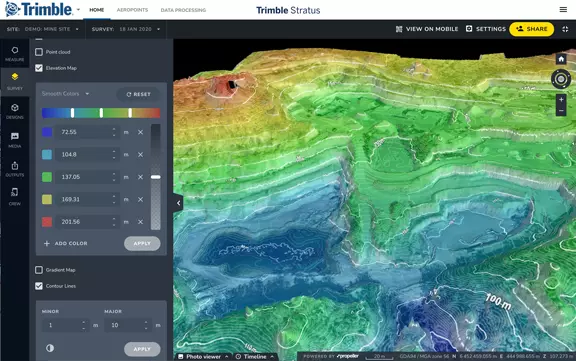
Propeller Drone Software enables you to use drone data to map, measure, and manage your worksite and assets. Connect the right information to the right people at the right time. Simplify earthworks progress tracking across your site with industry leading cloud-based processing, analysis and sharing.
PROPELLER

MAP, MEASURE AND MANAGE YOUR SITE YOURSELF

Get more done with a clear view of where you are and where you’re headed.

PROPELLER DRONE SOFTWARE FOR CIVIL CONTRACTORS

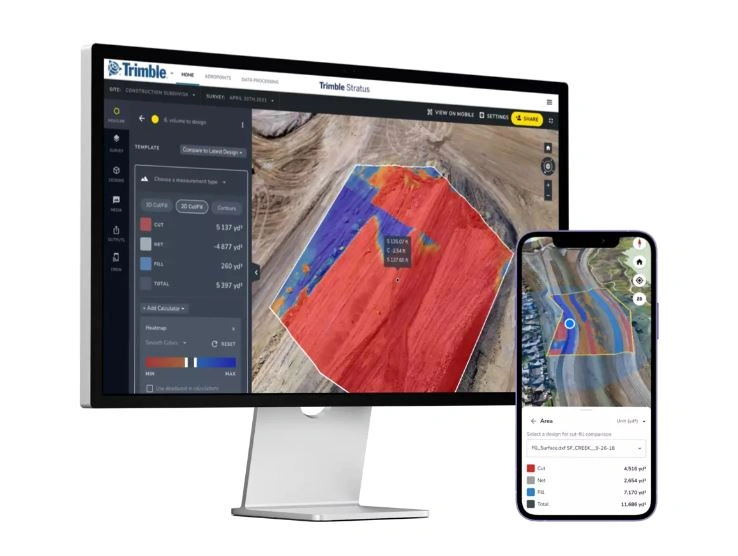
Propeller software helps civil contractors use drones to map, measure and share accurate information about their worksites and assets. With Stratus, you can make quicker decisions, avoid mistakes, and grow profits by always having the right information on hand. Confidently plan and estimate, survey frequently and faster, communicate effectively and take control.

Trimble Propeller - How it works

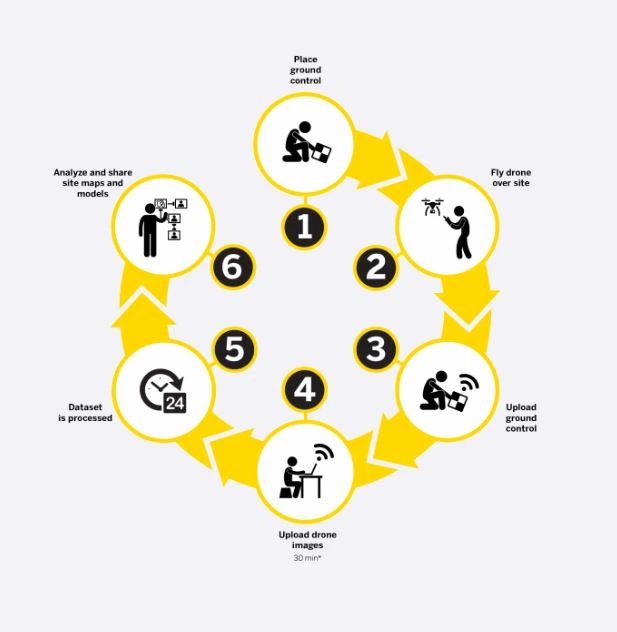
HOW IT WORKS

  1. Place ground control
  2. Fly drone over site
  3. Upload ground control
  4. Upload drone images
  5. Dataset is processed
  6. Analyse and share site maps and models

APPLICATIONS FOR PROPELLER

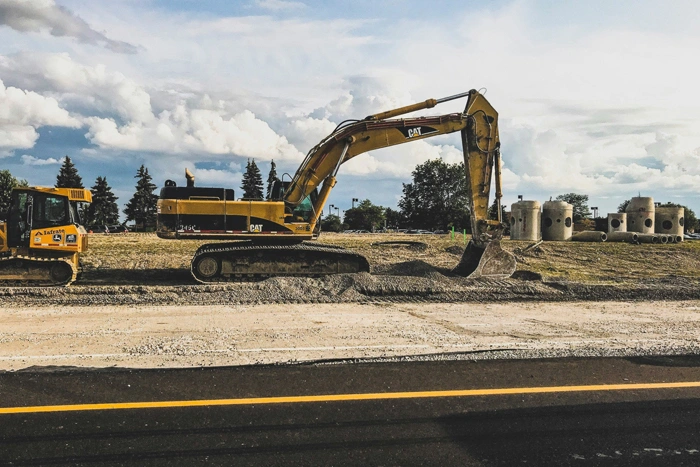
CIVIL CONSTRUCTION

CIVIL CONSTRUCTION

  • Frequent and accurate data capture
  • Track earthworks progress against design
  • Quality assurance
  • Project management
  • Capture survey-grade topos.
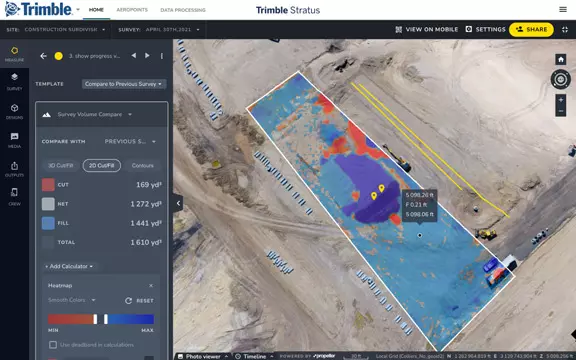
  • Calculate how much material you need to move and create cut fill maps.
  • Compare your measurements with finished grade designs or previous surveys to track progress.
  • Monitor site activity and communicate site conditions seamlessly from office to field.
  • Prevent disputes and rework with a full surface analysis.

AGGREGATES

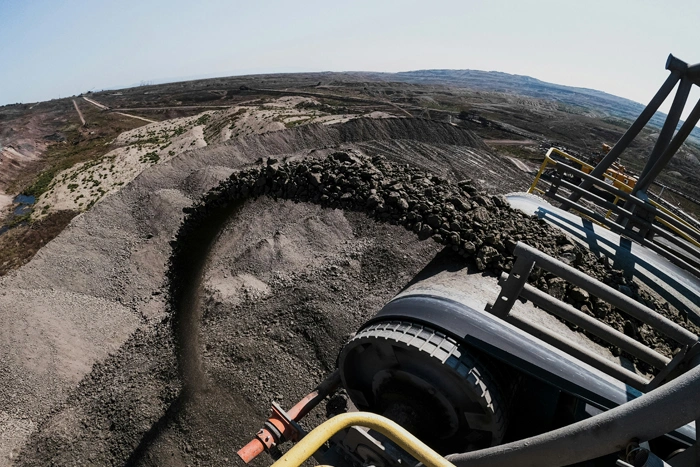
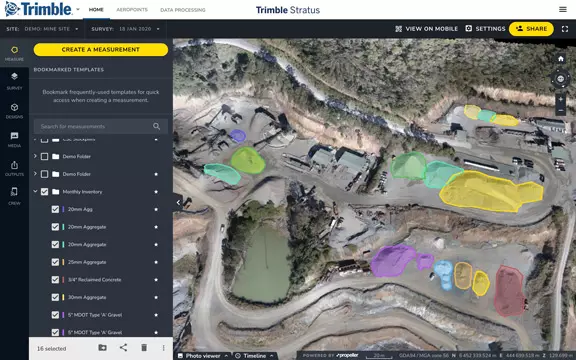
  • Monitor and manage inventory
  • Manage mining and blasting operations
  • Inspection of equipment and supervision of contractors
  • Organisation of roads and traffic
  • Easily compare the volumes before and after blasting and measure the angle of the blasting surface.
  • Calculate borehole depths using borehole surface models.
  • Safe inspection of explosion fragment areas.
  • Manage the stock volume in the pit and calculate the total volume removed from the pit using surface comparisons.
  • Calculate slope angles and pit angles and compare actual surface-to-model to track compliance.
  • Tracking of changes in the angle of inclination between measurements in order to better control possible slipping.
  • Enhance safety by remotely inspecting walls by geotechnical engineers.
  • Export of 3D DXF and point cloud files for updating pit and dump plans.
  • Optimise traffic management by ensuring that road grades, widths and cross slopes meet design specifications.
  • Reduction of cycle times and optimisation of the efficiency of mobile systems by tracking the conformity of the transport routes.
  • Inspection of areas before and after major events such as heavy rains.
AGGREGATES
MINING

MINING

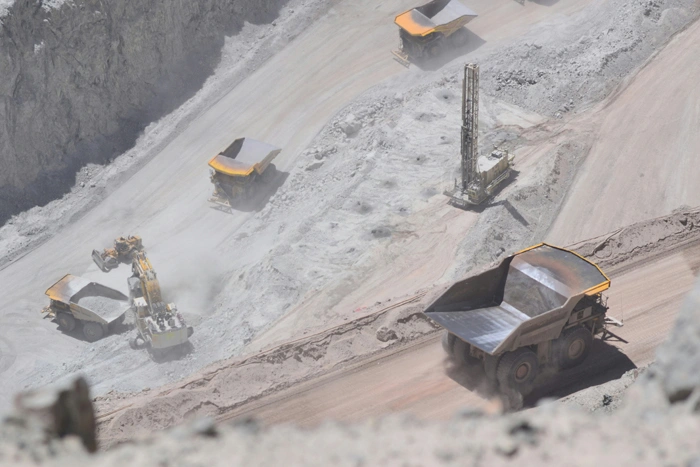
  • Effective tracking of the status of your mine
  • Measure the volume of the stockpile
  • Check the road gradient
  • Generate terrain maps
  • Upload planning areas to visually track progress based on your 3D location survey.
  • Compare different measurements to see changes over time.
  • Uncover non-compliance issues before they get expensive.
  • Faster, better inventory estimates.

WASTE

  • Monitor landfill progress and productivity
  • Check cell volume, remaining air space and density
  • Calculate current, changed and remaining airspace for EPA reporting
  • Increase the productive life of your cells by tracking and maximising compaction rates over time.
  • Calculate cover material for operational efficiency and environmental requirements.
  • Improve compliance reporting and airspace management.
AGGREGATES

FEATURES & BENEFITS

Confidently Plan and Estimate

Confidently Plan and Estimate

  • Quote with confidence by conducting your own site surveys before work begins and whenever site conditions change
  • Capture frequent, detailed imagery of site boundaries and protected areas to demonstrate compliance with regulatory requirements
  • Improve planning and budgeting with more frequent, accurate volume measurements
Survey Frequently and Faster

Survey Frequently and Faster

  • Access accurate, up-to-date topographic surveys on demand without needing a survey crew on site
  • Eliminate information delays by finding answers yourself through an intuitive, web-based platform
  • Safely survey hard-to-reach or hazardous areas using drone technology
Site Volumes

Site Volumes

  • Calculate total material volumes added or removed from pits, stockpiles, cells, and drainage channels
  • Monitor stockpile volumes more frequently and safely to improve overall stockpile management
Communicate Effectively

Communicate Effectively

  • Easily share progress updates with your team and customers through a centralised cloud-based workspace
  • Track site changes, reduce miscommunication, and resolve disputes more efficiently
  • Minimise site visits by enabling remote progress tracking and inspections, making it easier to manage multiple sites
Design Checks

Design Checks

  • Upload design files to compare actual surfaces against design surfaces and track project progress
  • Measure remaining siteworks and generate clear evidence of completed work
  • Calculate volumes, cross-sections, and slopes against final design specifications
Mobile Mapping

Mobile Mapping

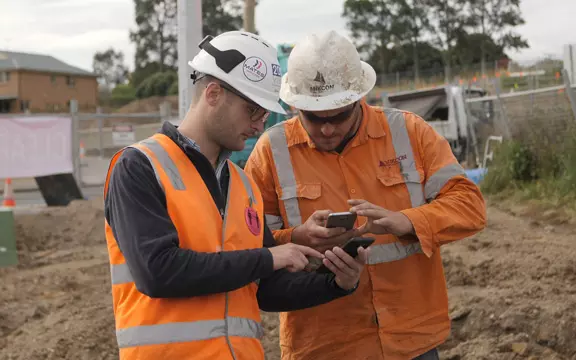
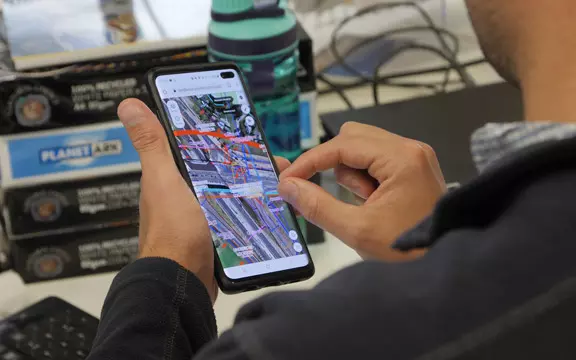
  • Use the mobile app as an extension of the Trimble Stratus platform to create and share simple, interactive maps between office and field teams
  • Enable field teams to explore 2D and 3D site models, collaborate in real time, view their live location against designs, and measure progress
  • Capture photos on mobile and pin, organise, and annotate media directly on the map for improved communication and tracking

Frequently Asked Questions

Trimble Propeller enables users to generate orthomosaic maps, digital terrain models (DTMs), point clouds, and 3D models from drone-captured imagery. It also allows for volume calculations, cut-and-fill analysis, and progress monitoring.

Propeller processes drone data in the cloud, converting raw images into accurate maps and models without requiring local computing power.

Propeller is compatible with various drones, including those from DJI and other manufacturers, provided they can capture geotagged imagery.
Yes, Trimble Propeller can integrate with other Trimble software products like Trimble Business Center, as well as with CAD and GIS software.
Data in Propeller is stored in the cloud, where it can be securely accessed, managed, and shared with stakeholders through a web browser.
Yes, Propellers implements security measures like data encryption and secure access protocols to protect user data.

ADDITIONAL DRONE MODELS

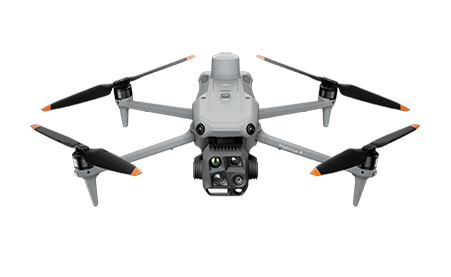
DJI Matrice 4E
SMALL PHOTOGRAMMETRY DRONE

Even further optimised for <2kg photogrammetry, 20m/s mission speed, rotating gimbal options for higher coverage, Advanced 3D object capture, and more.

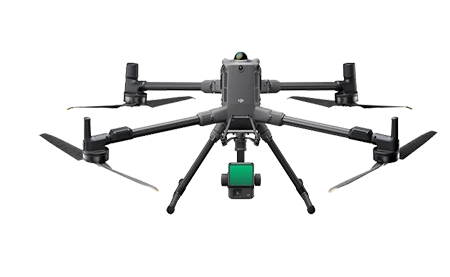
DJI MATRICE 400 WITH P1 CAMERA OR L2 LIDAR
FLAGSHIP SURVEY DRONE

Integrate Lidar and office processing.  Topo mapping through vegetation, powerlines, applications beyond photogrammetry.

Get started with Drones and take your work to the next level