Trimble GEDO Office 2.0
Trimble GEDO Office 2.0 software integrates field and office operations.
With advanced tools for data management and analysis, the GEDO Office suite ensures a seamless flow of information and results.


Trimble GEDO Office 2.0 software integrates field and office operations.
With advanced tools for data management and analysis, the GEDO Office suite ensures a seamless flow of information and results.
The GEDO Scan Pre-Processing Module efficiently prepares scan data for analysis.
The system delivers immediate access to relative measurements, while also providing absolute measurements in the form of geo-referenced 3D point clouds once synchronised with track geometry data.
Simple and clear User Interface and Operation.
Modular and easily upgradeable.
Flexible data adjustment and recalculation taking into account any data or framework modifications.
Individual definition of parameters for calculation and output.
Concise Quality Reports.

Trimble GEDO Office Base
Module for inputting alignment data and importing design data.
It supports standard design data formats, such as Verm.ESN and LandXML, and allows alignment data to be checked to ensure its suitability for field use.
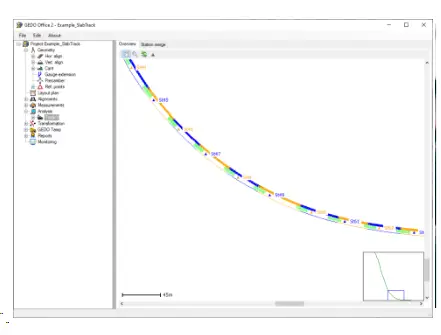
Trimble GEDO Office Module Rec
Module for processing GEDO Rec field data.
Station setups can be recalculated, and various matching algorithms are applied to connect overlapping areas. The module allows coordinate export for the left rail, centre line, and right rail, along with cant and gauge values. Using alignment data, it calculates the differences between the design and as-built conditions.
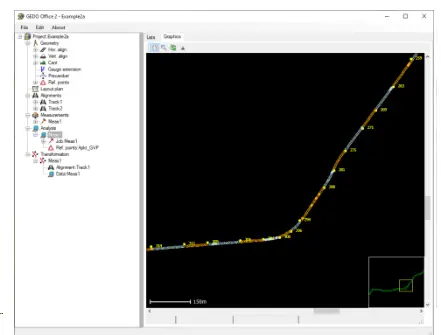
Trimble GEDO Office Module Vorsys
Module for processing GEDO Vorsys field data.
Measured data can be reprocessed using a different design or updated reference point coordinates. The module also supports the processing of measurements taken without alignment data for track survey purposes.
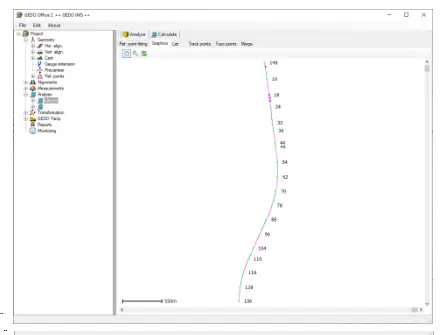
Trimble GEDO Office Module IMS
Module for processing GEDO IMS field data.
Measured data segments can be analyzed and re-processed based on new reference point coordinates as well as merged to a line.
The differences between design and as-built are calculated
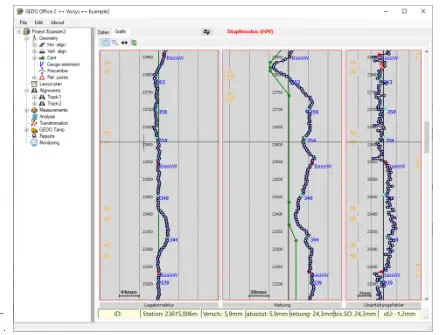
Module for data preparation for tamping machines.
Measured and processed data from GEDO Rec, GEDO Track, GEDO Vorsys, and GEDO IMS can be utilised. A graphical interface enables easy ramp definition by focusing on minimum lift values, maximum lift and shift values, and other constraints.
The system supports data output for all commonly used tamping machines.
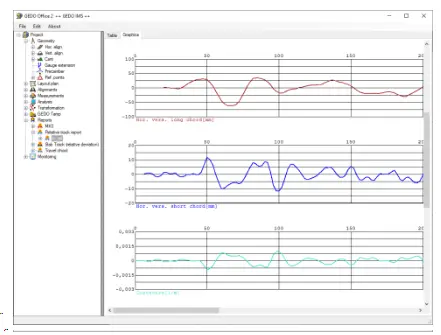
Generates reports on the quality of the track.
In addition to flexible travel chord evaluations, it supports specialised calculations and can produce reports in formats such as MKS (manual replacement measurement DB AG), Speed Raiser (Network Rail), or TUCRail (Belgium).
For slab track projects, the module optimises the required corrections and generates detailed correction lists.
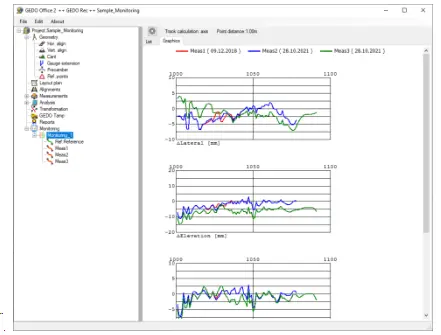
This module allows comparison of measurements from different time periods to support monitoring tasks and the supervision of tamping work.
What are the main functions of GEDO Office 2.0?
The software processes and analyzes track survey data from GEDO measurement systems, enabling users to generate track geometry reports, perform quality control, and create detailed documentation.
What data types can GEDO Office 2.0 process?
What analysis capabilities are included?
Users can perform track geometry analysis, create comparison reports between design and as-built conditions, generate adjustment calculations, and produce comprehensive documentation.
How does it integrate with other GEDO products?
AUTHORISED PARTNERS

COMPANY
HELP